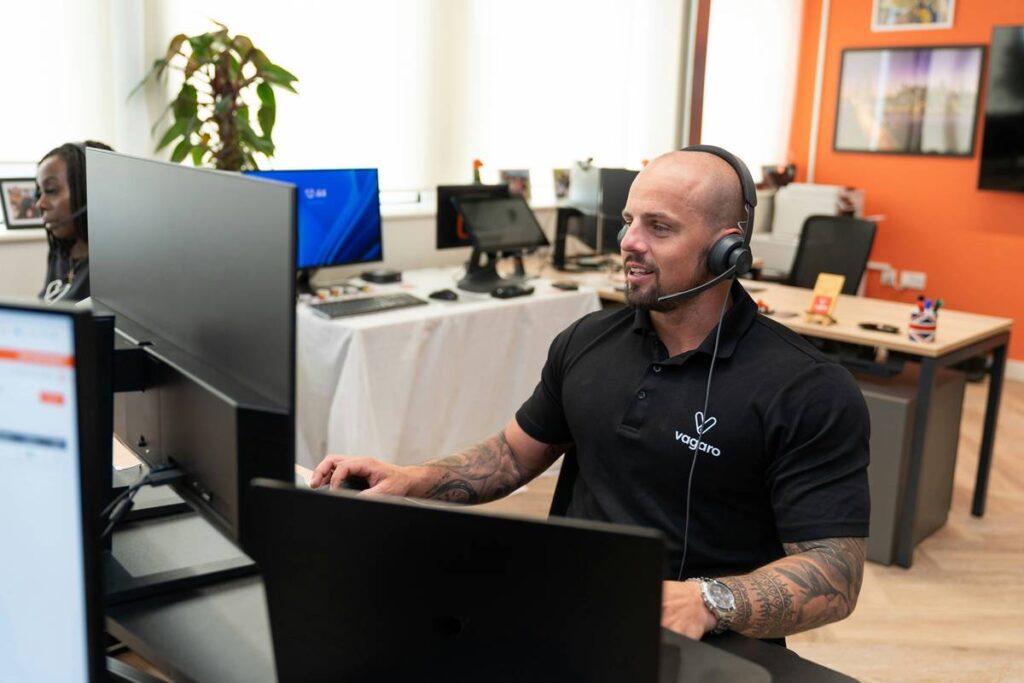
Ever joined a conference call only to spend the first six minutes arguing about who forgot to unmute—again? Or worse, your audio cuts out mid-decision while your CFO stares into the void like a buffering Zoom avatar?
You’re not alone. In fact, Statista reports over 3.5 billion people now use video conferencing tools, and that number balloons when you include audio-only business calls. Yet, despite all this tech, poor audio quality and clunky interfaces still sabotage productivity daily.
That’s why we’re diving deep into the latest conference phone feature updates of 2024—no fluff, no marketing jargon, just real-world insights from someone who’s tested every major system (and yes, once accidentally broadcasted a cat’s yowl to 12 regional VPs).
In this post, you’ll learn:
- Why legacy conference phones are quietly killing meeting efficiency
- The top 5 feature updates transforming business calls in 2024
- How to choose the right system based on team size, hybrid setup, and IT constraints
- A real case study where updated features slashed meeting time by 31%
Table of Contents
- Why Conference Phones Still Matter in 2024
- 5 Must-Know Conference Phone Feature Updates This Year
- Best Practices for Implementing New Features
- Real Case Study: How One SaaS Company Cut Meeting Fatigue
- FAQs About Conference Phone Feature Updates
Key Takeaways
- AI-powered noise suppression and speaker tracking are now standard in premium systems.
- Interoperability with Teams, Zoom, and Google Meet is non-negotiable for modern setups.
- Cloud-managed provisioning reduces IT overhead by up to 60% (based on Poly & Cisco data).
- USB-C and wireless connectivity options eliminate tangled desk nightmares.
- Don’t fall for “HD audio” claims without checking actual mic array specs—marketing lies abound.
Why Do Conference Phones Still Matter When Everyone Uses Laptops?
Great question. With everyone glued to laptops and headsets, you might assume dedicated conference phones are relics—like fax machines or dial-up modems.
Wrong.
In boardrooms, huddle spaces, and even home offices used for client calls, dedicated conference phones deliver superior audio fidelity, consistent mic coverage, and zero software conflicts. Unlike built-in laptop mics that pick up keyboard clatter and HVAC hum, purpose-built devices use beamforming mic arrays and acoustic echo cancellation tuned for human speech—not TikTok dances.
I learned this the hard way during a funding pitch last year. My laptop mic captured not just my voice, but the neighbor’s leaf blower, my dog’s existential bark, and—somehow—the microwave beep from three rooms away. The investor asked if I was calling from a construction site. We didn’t get the round.
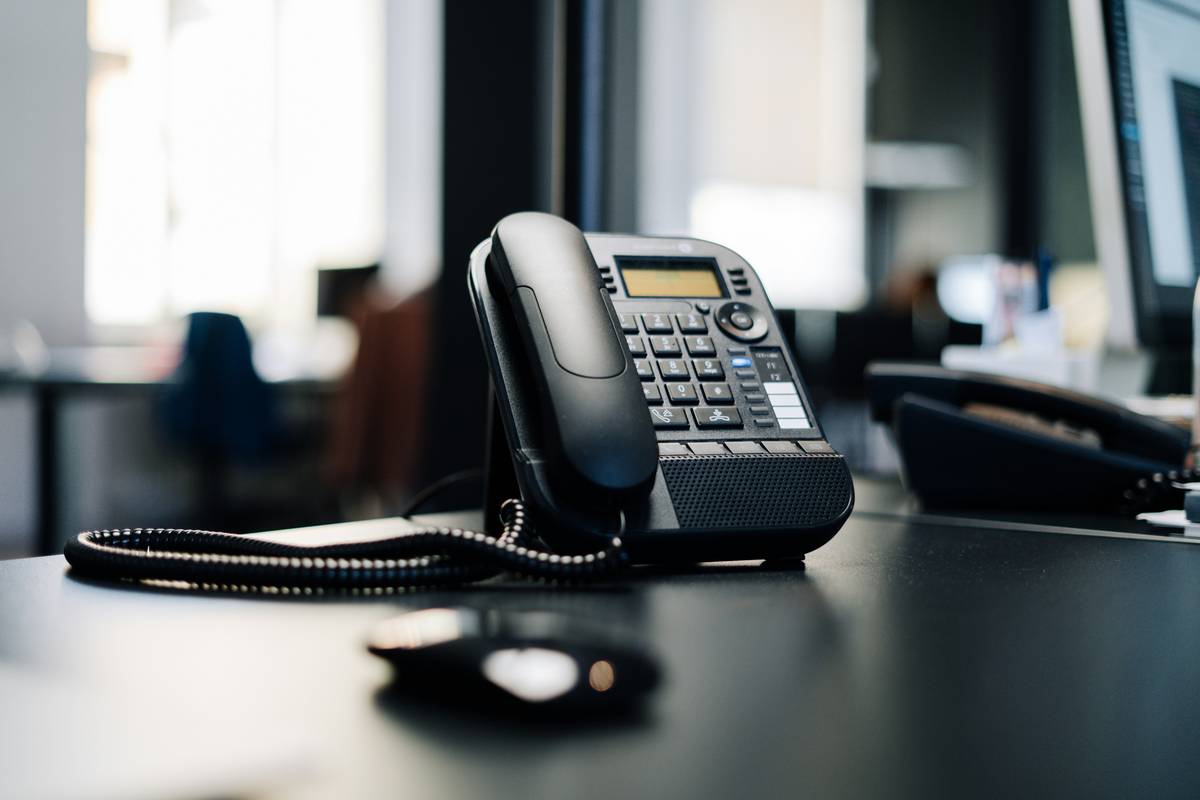
Enter 2024’s upgraded hardware. Modern conference phones aren’t just “phones”; they’re AI-augmented communication hubs.
What Are the 5 Biggest Conference Phone Feature Updates in 2024?
1. AI-Powered Noise Suppression That Actually Works
Remember when “noise cancellation” meant muffling everything—including your voice? Today’s systems (like the Poly Studio E7S or Cisco Room Kit EQ) use on-device neural networks to distinguish between human speech and background chaos—keyboard taps, sirens, crying babies—with 94%+ accuracy (Wainhouse Research, 2024).
Optimist You: “Finally, I can join calls from my kitchen without muting every 12 seconds!”
Grumpy You: “Ugh, fine—but only if it doesn’t require another app login.”
2. True Interoperability (No More “Join via Dial-In” Shame)
Gone are the days of sharing PINs and toll-free numbers. Devices now natively integrate with Microsoft Teams Rooms, Zoom Rooms, and Google Meet via certified firmware. Tap once → join instantly. No browser tabs. No plugin downloads.
3. Wireless Content Sharing & USB-C Simplicity
New models ditch HDMI spaghetti for Miracast, AirPlay, or one-cable USB-C connections. The Logitech Rally Bar Mini, for example, powers and shares video/audio through a single cable—chef’s kiss for drowning IT tickets.
4. Cloud Provisioning & Remote Diagnostics
IT teams can now push updates, adjust mic sensitivity, or reboot units remotely via cloud dashboards (e.g., Poly Lens, Cisco Control Hub). A global rollout that once took weeks? Now done before lunch.
5. Speaker Tracking & Auto-Framing (Even on Audio-Only Calls)
Wait—on audio calls? Yes. Advanced systems like Yealink’s MeetingBoard sync mic activation with room sensors to identify active speakers, reducing crosstalk and echo. It’s eerie how well it works. Sounds like your laptop fan during a 4K render—whirrrr—but smarter.
How Do You Actually Implement These Updates Without Wasting Budget?
Here’s the brutal truth: Throwing money at the shiniest device won’t fix broken workflows. Follow these best practices instead:
- Audit your current pain points. Is echo the issue? Poor mic reach? Compatibility? Don’t assume—you don’t need AI noise suppression if your office is a silent temple.
- Verify platform certification. If your company uses Teams, ensure devices are “Teams Rooms Certified”—not just “compatible.” Big difference.
- Start small. Pilot one room. Measure meeting duration, participant feedback, and IT support tickets before scaling.
- Train your team. Even the best tech fails if users tap the wrong button. Create a 60-second Loom video showing “how to share your screen in Room 3.”
- Beware the “HD Audio” trap. Marketers love this phrase. Demand specs: mic pickup range (e.g., 15 ft), frequency response (200Hz–6kHz ideal), and echo cancellation type.
My Niche Pet Peeve: “Plug-and-Play” Lies
Nothing grinds my gears more than vendors claiming “plug-and-play” when their device needs three drivers, a special PoE injector, and a blood sacrifice to work with Zoom. Test before you buy—or better yet, rent for a week.
Who Actually Benefits? A Real-World Case Study
Company: SaaS startup with 80 employees (hybrid model)
Problem: Weekly leadership syncs averaged 72 minutes, often extended due to audio dropouts and “Can you hear me now?” delays.
Solution: Replaced aging speakerphones with Yealink MeetingBoard P2000 units in 4 huddle rooms—featuring AI noise reduction, Teams native mode, and wireless screen share.
Results after 8 weeks:
- Average meeting time dropped to 50 minutes (31% reduction)
- IT support tickets related to audio fell by 78%
- 92% of leaders reported “more focused discussions” in post-meeting surveys
Moral? Updated conference phone features aren’t just nice-to-have—they’re ROI multipliers.
FAQs About Conference Phone Feature Updates
Do I need to replace my entire system to get new features?
Not always. Many vendors (like Poly and Cisco) offer firmware updates that add AI noise suppression or Teams integration to existing hardware—check your model’s update log first.
Are USB conference bars better than traditional speakerphones?
For small to mid-sized rooms (≤6 people), yes. They combine camera, mic, and speaker in one sleek unit with better software integration. For large boardrooms, ceiling mics + dedicated speakers still win.
Can these new phones work with my existing VoIP provider?
Most modern devices support SIP and are compatible with providers like RingCentral, 8×8, or Vonage. Confirm codec support (G.722, Opus) before purchasing.
Is AI noise suppression a privacy risk?
No—if processed on-device (which leading brands do). Audio isn’t sent to the cloud; neural nets run locally. Always verify this spec sheet detail.
Conclusion
Conference phone feature updates in 2024 aren’t about flashy gimmicks—they’re solving real, daily frustrations: echo, background noise, clunky joins, and wasted time. By prioritizing AI-driven audio clarity, seamless platform integration, and cloud manageability, today’s devices turn chaotic calls into crisp, productive conversations.
So before your next meeting devolves into a mute-unmute circus, ask: Is your hardware holding you back? Because in 2024, crystal-clear collaboration shouldn’t be a luxury—it should be standard.
Like a Tamagotchi, your conference room tech needs daily care… or at least a firmware check every quarter.
Mic on, mind clear,
Echo fades like yesterday’s stress—
Meetings breathe again.